Showing posts with label Too smart for my own good. Show all posts

Saturday, November 10, 2018

Mexico City: Digital Prey, Part 2


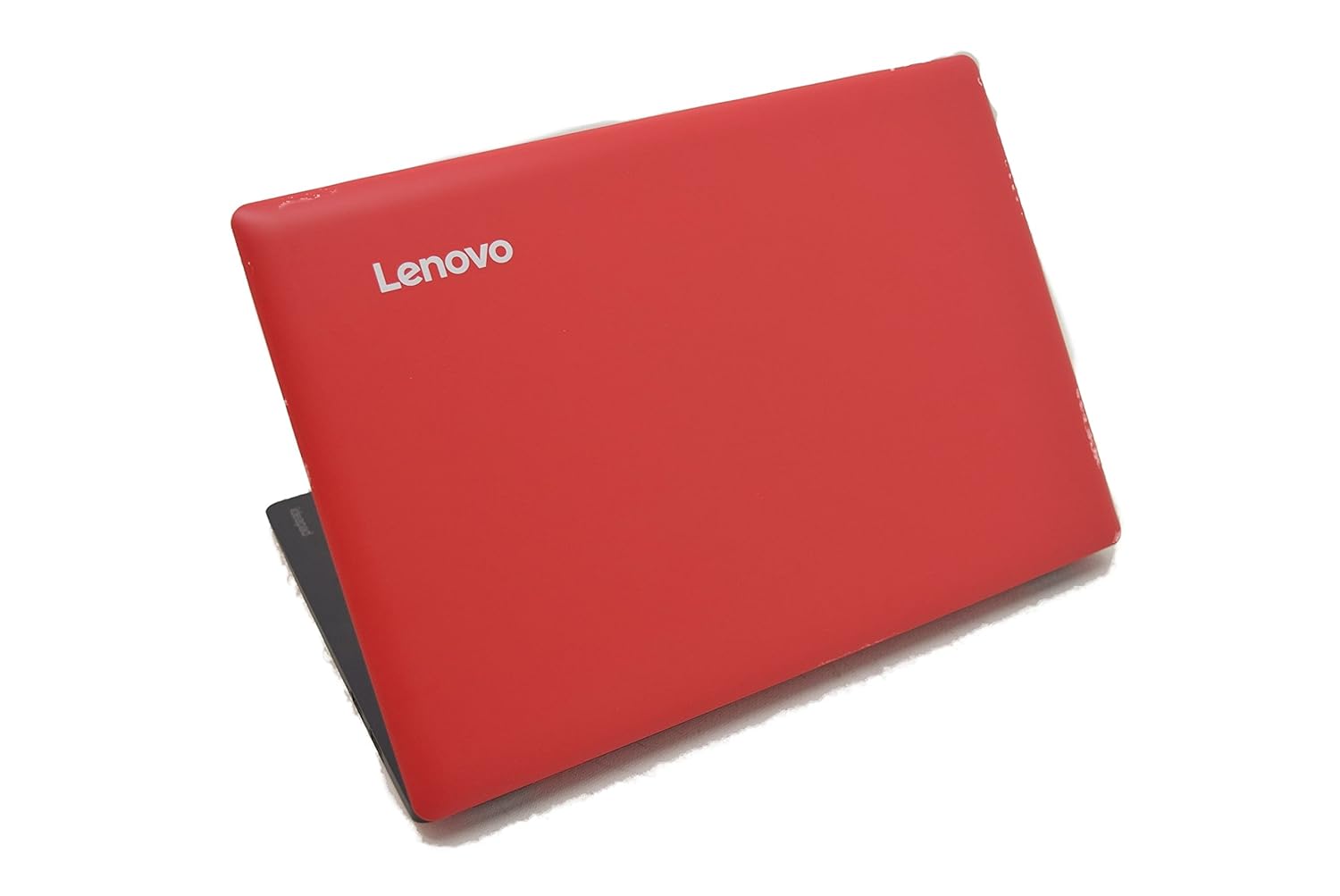
My Little Red.

I had it all figured out, didn´t I?

So the universe had other plans.

To wit:

A day or two before I left for Mexico City, my plan was to arm my back-up phone with a cheap data plan from the US just to get a phone number and run a new Google voice number.

Oho, said the universe. Remember "too smart for your own good"?

First: It did not appear easy peasy to get a sim card for a phone that didn´t already have a phone number attached. By that, I mean a cheap pay-as-you-go plan.

Second: While I perused the options at the big box store, I pulled out my backup phone to see if it was compliant with a card that might work, I pressed the power button, and ....... nada. It was dead. Dead dead.

Thus, new plan. Make my life a lot simpler by just taking my main phone. A relief, really.

Now about my Little Red. I tested her two days before I left, the day before I left, and all good.

But now I´m in Mexico City. And what.the.fuck. I switch her on and get a blue screen with the demand that some bullshit bitlocker thing is being prepared. I need to find a bitlocker password for an app that I had never turned on.

I spent a day in Mexico City trying to crack this problem, to no avail. I´m locked out of my laptop.

Damn Microsoft. The very reason I don´t mess with a microsoft email account is that microsoft locks you out of your email at the drop of a hat and there is no way to get anyone´s attention to get back in. Bitlocker is supposed to be a security thing to protect users, but instead it is keeping me out of my own house, using an app I never signed on for.

The guesthouse where I´m staying has three computers I can use, but there are refugees from the caravan here, and my need for a computer does NOT outweigh theirs, so I have found an internet cafe around the corner to use.


Wednesday, April 6, 2016

Guatemala: The Almost Pack Fail


Canon SD600

I learned my lesson about camera backups in Ethiopia.

After that experience, I bought two used, vintage Canon Powershot SD600s to replace the exact model I lost in Ethiopia. Redundancy of peripherals and all that. Plus it was a good travel camera.

These days, I have three used cameras plus a pissant phone camera. The backup system has served me well in the four years since Ethiopia, although cracks have appeared, and a change in the future looms.

For my trip to Guatemala, I packed these cameras:

  1. Primary: One of the Canon Powershot SD600s
  2. Secondary: A used Canon Coolpix that daughter handed down to me last summer
  3. Tertiary: My Moto G phone camera, a last resort only, due to its miserable photo quality

I chose the Coolpix to bring instead of my backup Canon because I am down to only one Canon battery, the two that I'd had having finally died of old age. I only bought one replacement battery because the things are pretty expensive, and I am on the fence about when I'll buy a new camera, which will certainly use a different model of battery. With the Coolpix, I'd have a spare, charged battery on hand when the Canon's battery needed to be recharged in Guatemala.


The morning of my departure, I inserted the cameras' SD cards into my primary laptop so I could upload their contents, thereby giving me clean slates for the trip.

Oh, wait.

Do I have an SD slot in the little red toy laptop that I bought for the trip? Why .... no.

Jeez, OK. Where the heck was my camera-to-device cable that fits into one of Little Red's usb ports? Oh thank goodness! Found it! Worked just great for the Canon. Would it work for the Coolpix? No. Nooo. Who'd've thought? 


This almost-fail fell into two categories of travel mishappery: 
  • Complacency, or more accurately, just plain sloppiness of thought and preparation
  • Too smart for my own good

Close call.

I left the Coolpix at home and replaced it with the second Canon. 


Monday, January 17, 2011

New Category: Too Smart For My Own Good --> File 2

In re: tech gadgets and those that required batteries, I'd made the call to stick with one size - AA.

This was partly predicated on my erroneous belief that two of my devices used AA batteries. I selected my new flashlight based, in part, on the fact it uses AA batteries.

Well, I gave one of those devices away and the other - I just discovered today - uses AAA! I guess I knew that at some point in the past, but it just slithered out of my brain.

Doh!!!

Good news is that I discovered this before my departure, so now I've added some AAAs in with my stuff.

File 1 of this category gets awarded to the password business here.

Monday, November 22, 2010

System failure

Ah, the cascade effect.

This morning I had a lesson to teach. I don't have a printer at the condo, so I must print documents at the school. We are not supposed to connect our laptops to the school printer. So I email my documents to a web-based email account, access that at the school on a school PC, then print the documents.

So this morning I arrived at school, accessed my email account, retrieved my two-part lesson plan, and discovered that where I thought I'd attached Lesson Plan A and Lesson Plan B, I'd attached duplicate copies of Lesson Plan A.

Uh and oh.

No problem. I'll just pull out my laptop, send it to myself again, and I'll be good. No. I didn't think I'd need my laptop, so I'd left it at the condo.

No problem. I'll just go online with the school PC and access my web-based backup files (which I hated to do since I really don't trust the school PCs' security). So I pull up the website, enter my login and then my password, only to find I'd entered the wrong password. Hmmm, don't want to re-enter the wrong password, because I don't want to be locked out of that account altogether (like I'd been locked out of a gmail account the week before - more on that later).
 
No problem. I'll just go to another account and retrieve that ol' password (which I hated to do because I don't trust the school PCs' security). Oh damn it. My password for that other account is such that it includes some keys that are very different from those in the U.S., and I could not figure out how the heck to get to certain symbols, which was the cause of my lockout last week with an entirely different web-based account.

Result: I walk back to the condo, fire up my laptop, send myself Lesson Plan B, pack the laptop in my bag, and trudge back to school. All making for a very poor start to my day.

Important lessons learned:

  • ALWAYS have at least one accessible Plan B in my pocket (i.e. I should have taken my laptop with me), even when it's kind of a pain in the ass; and
  • Select passwords that are strong, but which don't undermine you when you encounter foreign keyboards.

You might ask - hey, why don't you just take your flash drive with you and insert that into the school PC? That would be much more portable, to be sure. The problem is I don't trust the PCs and I ain't gonna do it if I don't have to. In another scenario, I may have to do that with a strange PC, but I don't have to do that now. 

A note on the email account I got locked out of last week. Super annoying and still unresolved. Thank God it wasn't a critical email account for me. In response, I set up a brand-new email account with three features: 1) It has a good password that's easy for me to remember, 2) which doesn't use symbols that require advanced study of the foreign keyboard, and 3) which has as its sole purpose homework stuff. It's what I call my "stupid" account. If it were to get compromised, there's nothing lost. I wish I would have thought of doing this earlier.